Short answer: physiotherapy software needs to understand more than a therapist's calendar. An appointment may require the right practitioner, a particular room, enough time, appropriate client information and a clear follow-up. Tervita organises that operational chain while staying honest that appointment and client-management software is not a clinical information system.
Why does a shared calendar become insufficient?
A physiotherapy practice offers visits with different durations and purposes. An initial assessment may need more time than a follow-up. One service needs a private treatment room; another uses an open exercise area or specific equipment. A therapist can be available while the appropriate space is already occupied. If the public booking link checks only the person's calendar, it offers a time the practice cannot actually deliver.
In Tervita, a service has its own duration, price, eligible practitioners and availability rules. Tervita can associate the service with a room and required inventory. That is not a hospital-grade resource planning engine. It solves the narrower, practical problem of a small practice: a time shown online should be possible for both the person and the workspace.
Availability does not have to repeat identically every week. Recurring working hours, added shifts, time off and date-specific exceptions form the real schedule. Clients see the resulting slots rather than the internal scheduling logic. The practice controls how far ahead people may book, the minimum notice period and whether an online request is confirmed automatically. The booking settings guide explains the operating choices behind those switches.
How does the client reach an appointment?
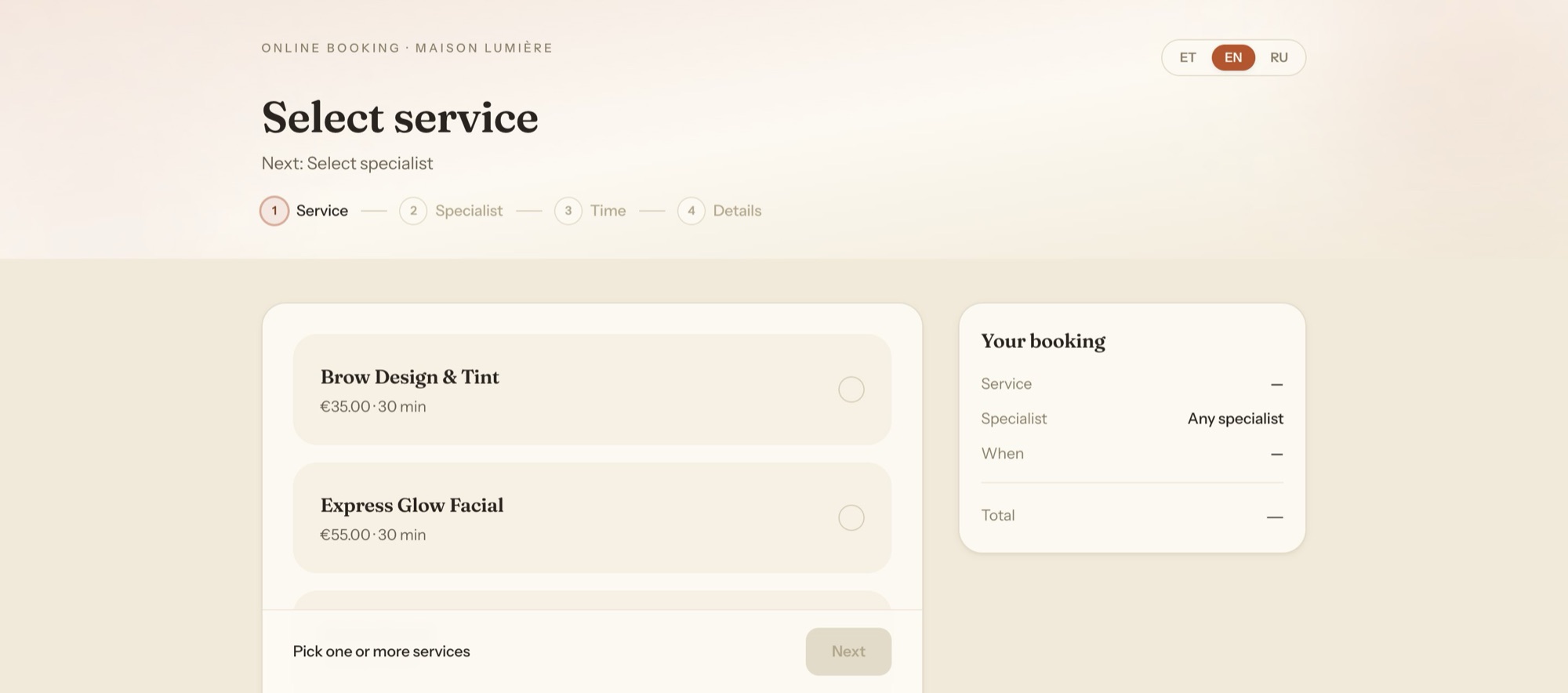
A client opens the practice booking page, chooses a service, a therapist or any available specialist, then selects a date and time. The process runs in a browser and does not require a separate mobile application. The practice can share a direct link or place the booking flow inside its existing website. Confirmation and reminders originate from the actual appointment rather than a message manually retyped by reception.
A good public flow asks only for information that is necessary at that stage. Collecting health details “just in case” creates risk without improving the schedule. If the practice needs a pre-visit questionnaire, a document or clinical history, its legal basis, retention and access rules need separate design. Tervita client records and document tools support operations, but uploading a file does not automatically turn the platform into a compliant electronic health record.
The GDPR guide for salons and clinics covers the underlying principles. In daily work this means collecting the minimum, defining a reason to retain it and assigning access by role. Reception may need a client's contact details and appointment time without needing every practitioner note. Permissions should reflect the job, not the accidental sharing rules of a spreadsheet.
What belongs in the client record?
A client record can bring together contact details, consent, future and past appointments, invoices, packages and useful operational notes. Documents can be associated with a client, and permission checks control access. An audit trail helps the organisation understand who changed data. MFA reduces the chance that a stolen password alone exposes the whole practice workspace.
The distinction between operational notes and clinical records remains important. Tervita does not provide diagnosis-code workflows, prescriptions, a national health-information exchange or electronic Tervisekassa treatment claims. If an organisation requires those capabilities, it should use Tervita beside an appropriate clinical system or choose a different primary system. A commercial page must not disguise that boundary.
How do packages and payments work?
Physiotherapy is often sold as several sessions. Tervita can define a package, sell it to a client and track consumed and remaining uses. Staff see the balance instead of looking for a paper card or another worksheet. The practice still owns the commercial terms such as validity, transfer and refunds. A software counter cannot substitute for terms communicated to the client.
Invoices can be associated with the client and sale. Payment methods and document states distinguish paid, open and cancelled items. An operational sales report explains the practice workflow but is not bookkeeping software or a tax filing. When an external accounting system is used, decide which application owns official invoice numbering and how duplicate entries will be prevented.
No-show management begins before a penalty. A clear confirmation, a timely reminder, a usable management link and an understandable cancellation limit reduce avoidable confusion. The guide to reducing no-shows provides a workflow without inventing a guaranteed improvement percentage. Results depend on the client group, policy and consistent application.
What does Tervita cost for a physiotherapy practice?
One therapist can begin at €11 per month per bookable therapist when the practice needs core scheduling, online booking, client records and invoices at one location. The price is capped at €88 per month once a practice reaches eight bookable therapists, and every practice is on the same plan from the first day, including rooms, multiple locations, inventory, point of sale, deeper reporting and custom roles.
A two- or three-therapist practice self-serves on that same plan; there is no separate contract to negotiate merely because the business provides physiotherapy. Pricing should reflect the operating model — how many people actually take bookings — rather than how clinical the organisation's name sounds.
How should the practice run a safe pilot?
Choose one therapist, a limited service list and a real room. Configure durations, working hours, booking windows and cancellation rules. Use only your own or your team's test contact details, book from desktop and mobile, and inspect the confirmation, management link and calendar result. Add a package sale or invoice only when it is part of the pilot goal.
After the technical test, use the new workspace as the source of truth for one defined workflow for a week. Record every place where staff still copy information into another system. Those hand-offs matter more than an abstract feature count. If clinical documentation remains elsewhere, state the boundary: what belongs in Tervita, what belongs in the clinical system and what must never be duplicated. This gives the practice operational clarity without the unsafe claim that one tool covers every part of healthcare IT.